
Learn Currello, one screen at a time
Practical, screenshot-led guides for coordinators and practice managers. Every screen shown here comes from a demo organisation with made-up participants, so you can see exactly what you will get.
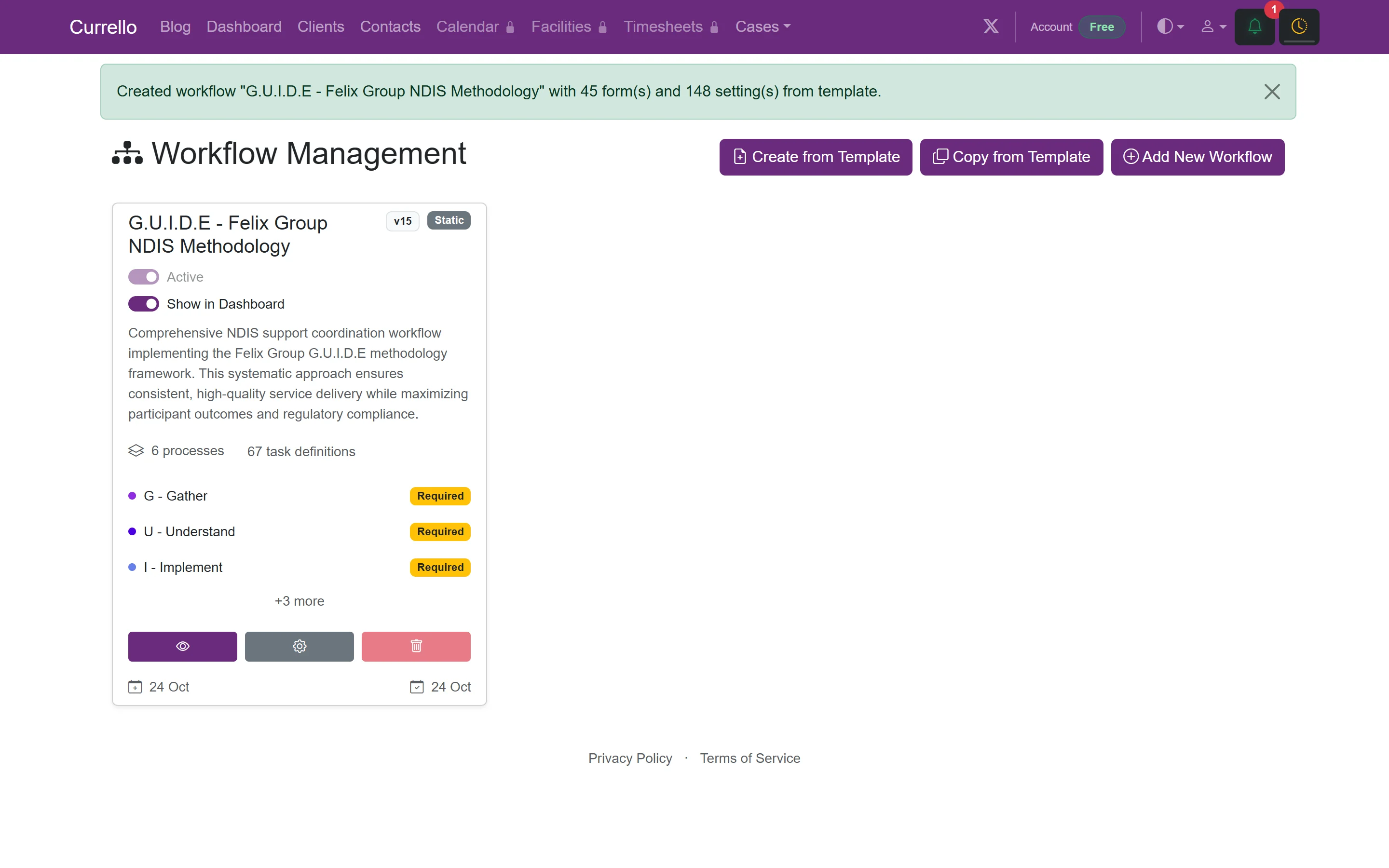
Getting started
Register your organisation, sign in, and set up your first workflow.
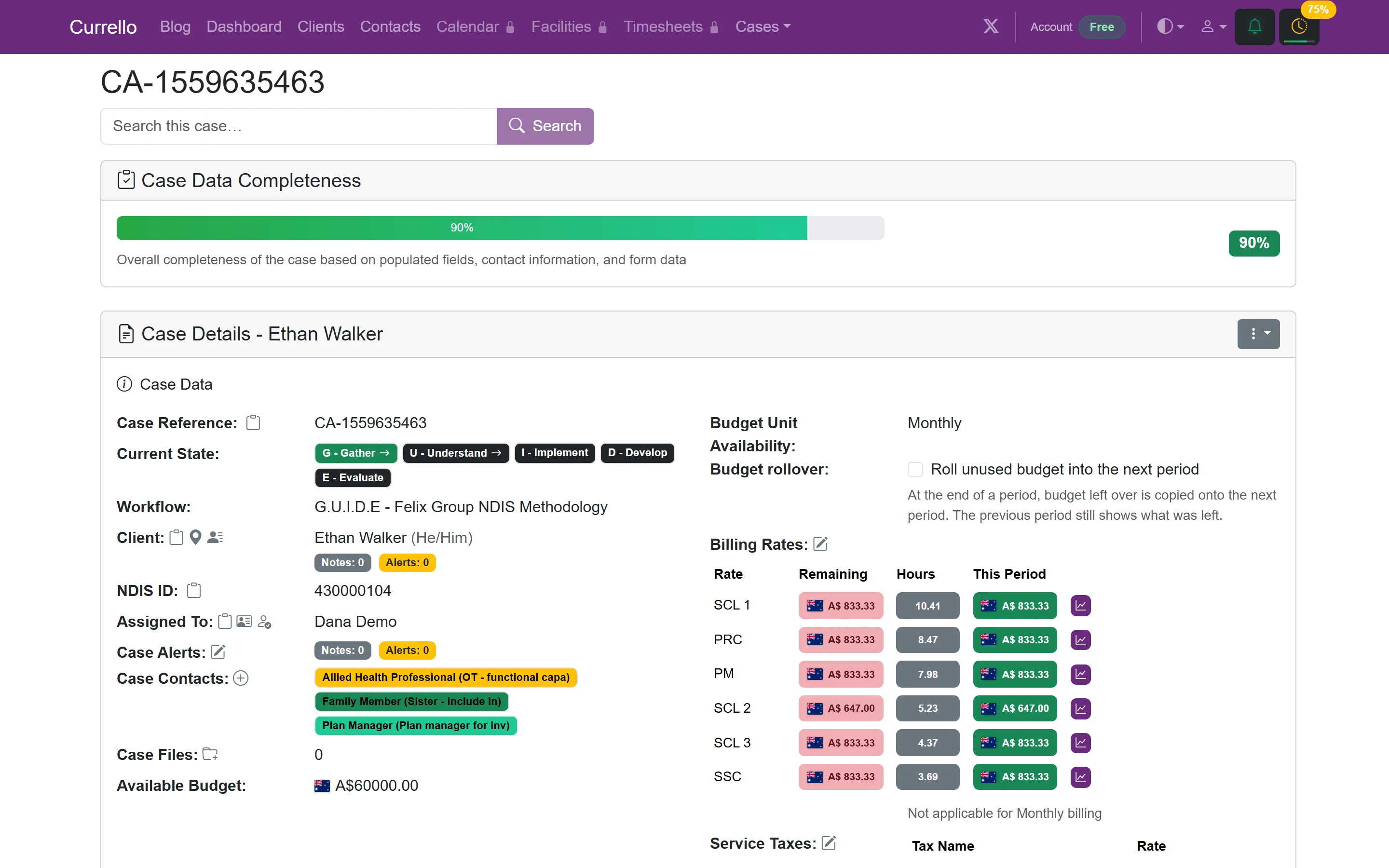
Clients and cases
Add participants, open cases, write case notes, and complete workflow tasks.
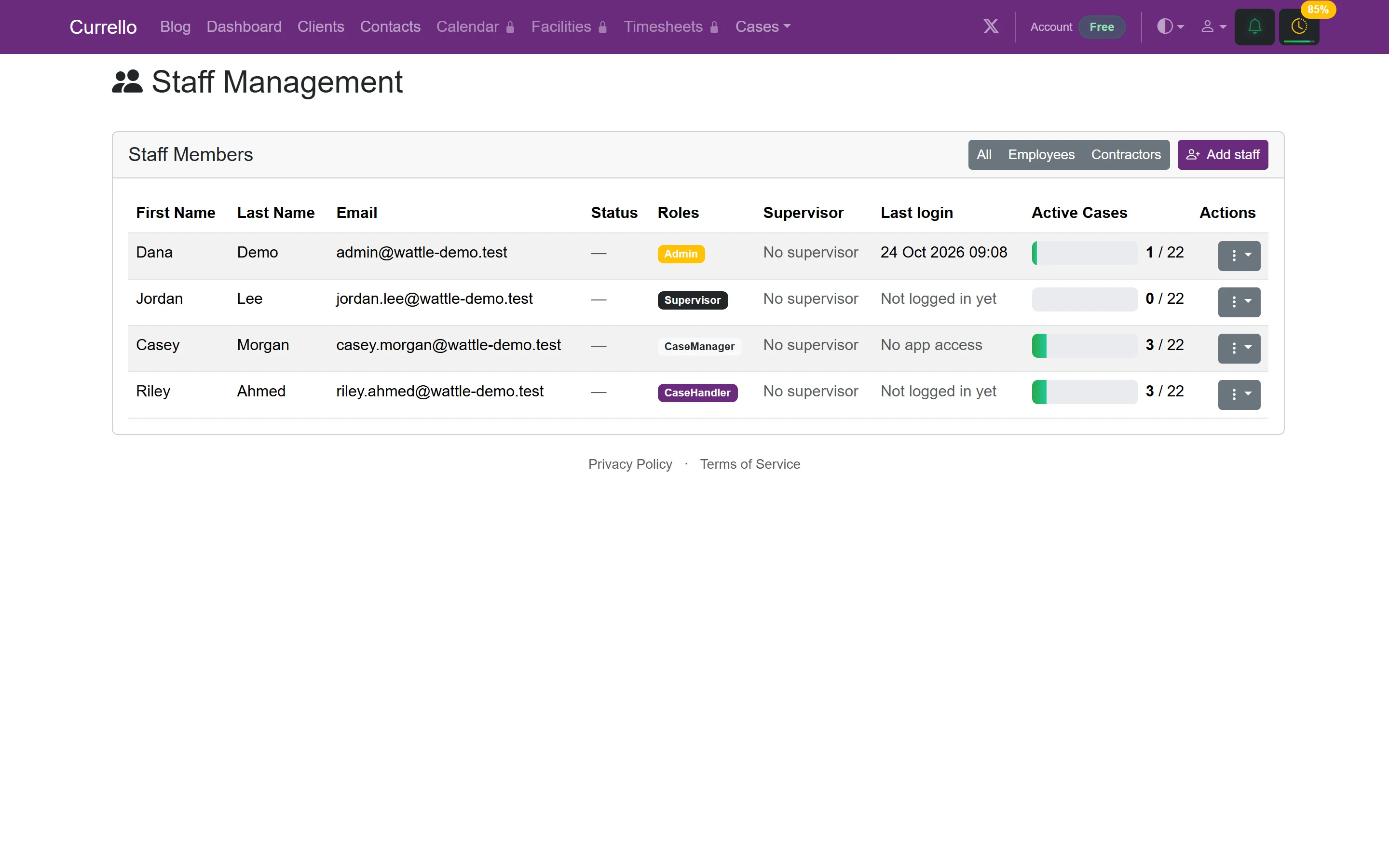
Administration
Invite users, add staff, and configure settings, your organisation, and your plan.
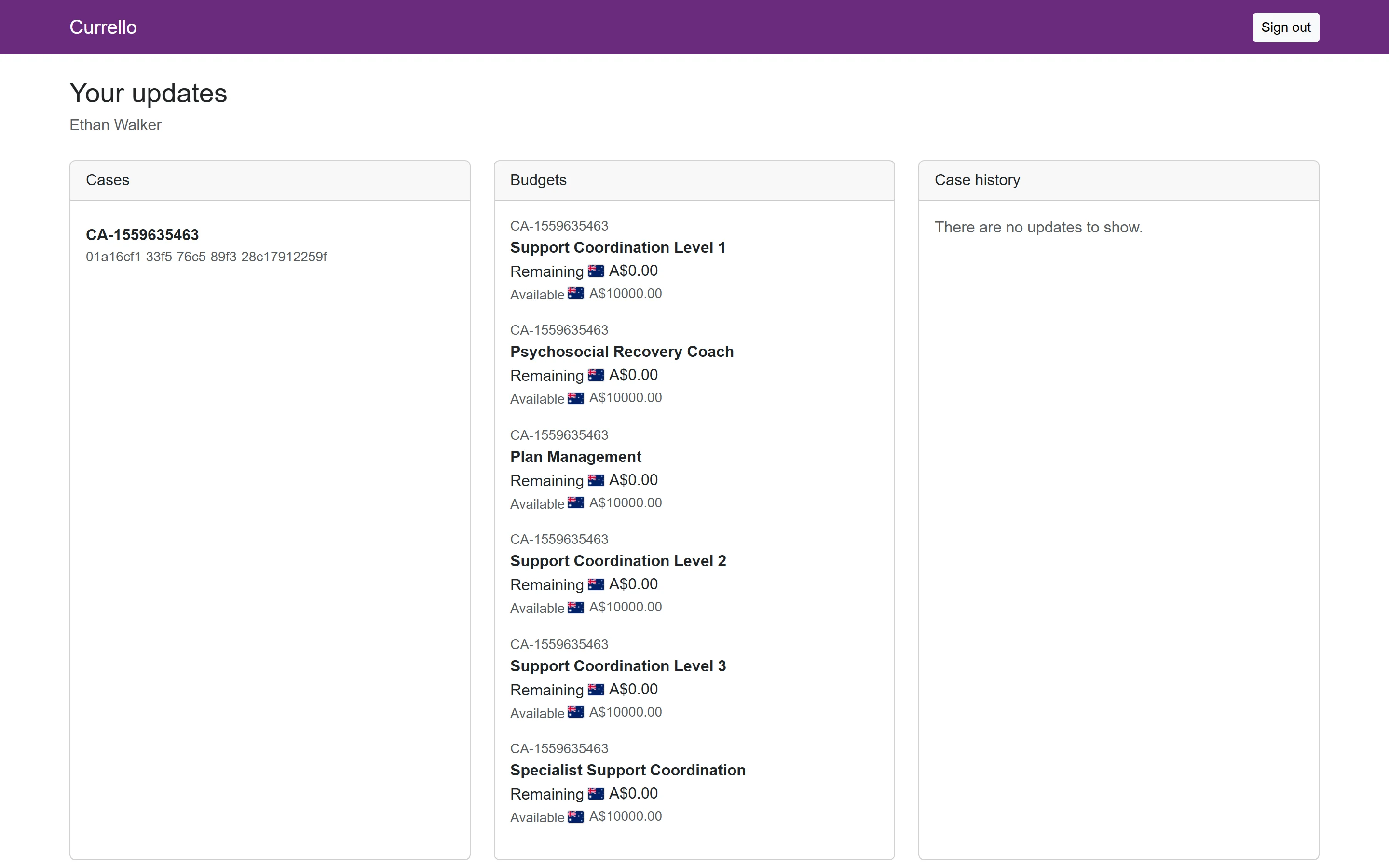
Participant portal
Give a participant or family member read-only access to their case and budgets.
How Currello is organised
Currello keeps clients (the participants you support), cases (a period of support for a client, run through a workflow) and contacts (family, providers, planners) together. Each case follows a workflow such as the built-in G.U.I.D.E NDIS methodology, which creates tasks for every stage so nothing is missed.
- Coordinators work from My Cases, open a case, and log notes and tasks with billable time.
- Supervisors and practice managers use the dashboard, Case Search and Staff to keep an eye on caseloads.
- Administrators invite users, add staff, set up workflows and manage the organisation and plan.
- Participants and family can be invited as guests to see their own case and budgets.
What you need
A modern browser and an email address. Currello runs in the browser, and all data is hosted in Australia. The free plan covers up to 15 active cases. Calendar, facilities, timesheets, document and email templates come with paid plans, and show a lock icon until you upgrade.
Prefer to watch? The interactive product tour walks through the same screens with a guided cursor.
Open the product tour